
Network & IT Infrastructure
Switching, routing and commercial Wi-Fi planned around your premises, people and devices. Clear configuration, sensible network separation and practical documentation make your infrastructure easier to manage and expand.
CONNECTED BY DESIGN
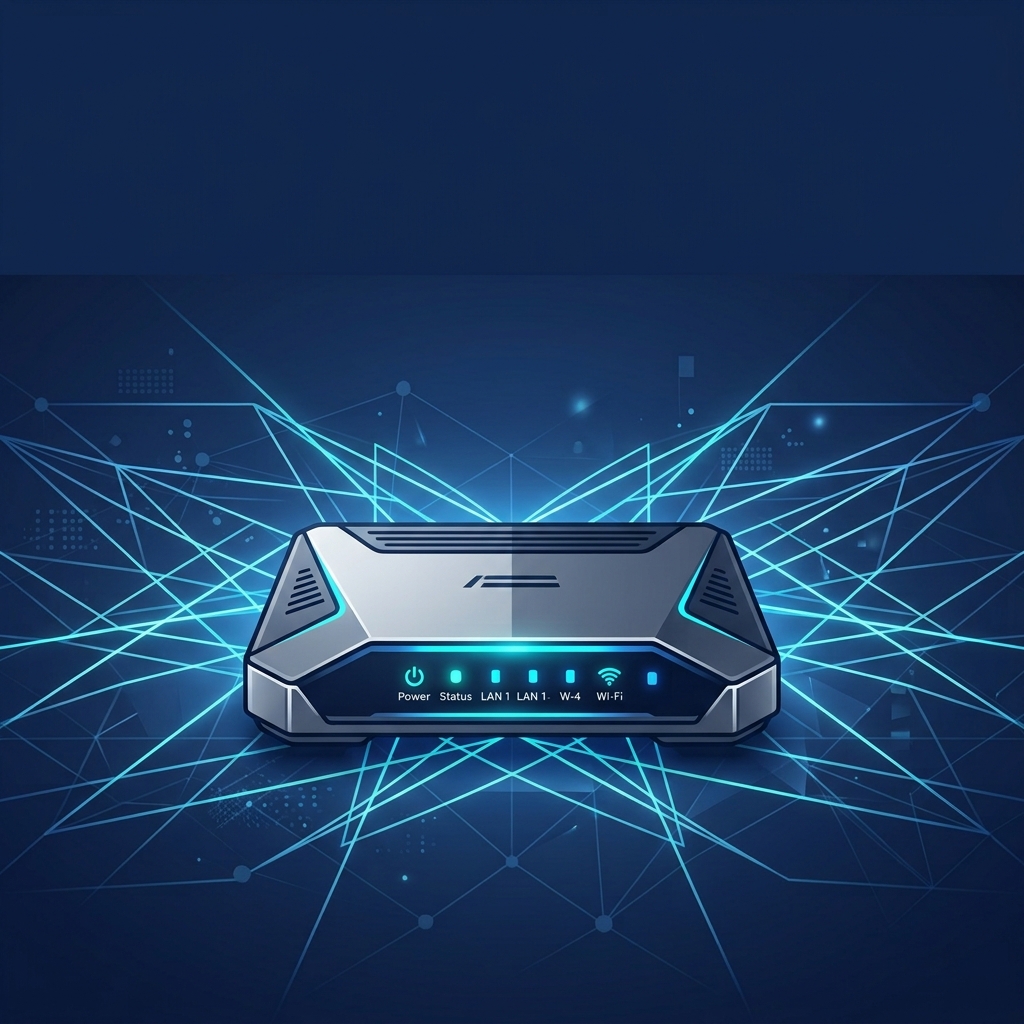
NETWORK ARCHITECTURE
Every layer. One connected network.
From the internet connection to the devices your team uses, each layer has a clear role. We plan these layers together around your premises, capacity and access requirements.
- 01
Internet connection
The business connection that provides access to external services.
- 02
Gateway
Routing and firewall rules manage traffic entering and leaving the network.
- 03
Core switching
Connects the main network areas and carries traffic between them.
- 04
Access switching
Connects local equipment and access points, with power where specified.
- 05
Wi-Fi & devices
Wireless access points and wired connections serve people and equipment.
Designed around your site
This is a typical architecture, not a fixed equipment list. Smaller installations may combine switching layers. The final design, network separation and resilience options are agreed for your project.
SWITCHING, ROUTING & WI-FI
The right connections for your business.
Plan and configure the network around your users, devices and building. Each capability supports the wider infrastructure, with the equipment and configuration scope agreed for your project.
Network design
Review your premises, existing infrastructure and capacity needs. Plan equipment locations, connections and an architecture that supports the way your business works.
Site requirements · Capacity planning · ArchitectureManaged switching
Connect business equipment through configured switches. Plan port capacity, uplinks and power for compatible devices, with clear records of the agreed configuration.
Managed switches · Uplinks · PoE planningCommercial Wi-Fi
Plan access point placement and wireless settings around your layout, device use and coverage needs. Review staff and guest access as part of the network design.
Access points · Coverage planning · Staff & guest Wi-FiGateways & routing
Configure the gateway and routing for your internet connection and internal networks. Agree traffic priorities and any remote or multi-site connection requirements.
Gateways · Routing · Traffic prioritiesNetwork separation
Use VLANs and access rules to separate staff, guest and connected-device traffic where appropriate. Define which systems need to communicate and document the agreed boundaries.
VLANs · Access rules · Device networksMonitoring & optimisation
Review network status and performance using the tools included in your project. Agree monitoring visibility, alert handling and how configuration changes will be recorded.
Status visibility · Performance review · Configuration records
SEGMENTATION & SECURITY BASELINE
Separate traffic. Define access.
Keep everyday business traffic, visitor access and connected equipment in clearly defined network areas. We plan which systems need to communicate, then configure and document the agreed controls.
TYPICAL NETWORK ZONES
- 01
Staff & business systems
Access to the applications and shared resources your team needs, based on agreed roles and requirements.
- 02
Guest access
A separate visitor connection, with access to internal business systems restricted as specified.
- 03
Connected devices
Defined networks for CCTV, access control and other equipment, with only the required connections between systems.
Illustrative zones. The final VLAN and access design depends on your equipment and operational needs.
A practical security baseline
Firewall & access rules
Agree traffic boundaries and configure rules for the services that need to communicate.
Controlled administration
Define management access and review device settings, accounts and firmware within the agreed scope.
Remote connections
Review VPN or remote access requirements and include appropriate configuration where specified.
Documented handover
Record network zones, configuration details and ownership of ongoing updates and support.
RESILIENCE & CONTINUITY
Plan for disruption.
Make recovery clearer.
Identify the network services your business depends on and the impact of losing them. We review practical options to reduce disruption and agree how the network should be restored when something goes wrong.
- 01
Backup connectivity
Review a secondary internet connection and gateway failover where appropriate. Check coverage, capacity and compatibility with the services your team relies on.
Connection options · Failover configuration - 02
Power & equipment
Assess UPS protection for key network equipment and consider spare equipment or redundant links where justified by your operational needs.
UPS planning · Equipment dependencies - 03
Recovery & handover
Record configuration backups, recovery steps and support contacts. Review the agreed failover behaviour and hand over clear guidance for your team.
Configuration backups · Recovery guidance
Choose resilience around your priorities.
Backup services, equipment, subscriptions and support arrangements are specified for your project. Recovery times and failover behaviour depend on the agreed design and service dependencies.
NETWORK ROLLOUT
From site review to a clear handover.
A structured rollout brings the design, installation and configuration together. We agree the scope, schedule and checks before work starts, with a handover your team can use.
- 01
Review & scope
Understand your premises, users, devices and existing network. Identify constraints, priorities and the work to include.
- 02
Design & plan
Agree equipment, network zones and configuration. Plan the installation, cutover window and any service interruptions.
- 03
Install & configure
Deploy the specified equipment and connections. Apply the agreed switching, routing, Wi-Fi and access settings.
- 04
Check & hand over
Review connectivity and the agreed network behaviour. Provide configuration records, operating guidance and support contacts.
Know what happens at cutover.
Before the change, agree the access required, expected disruption and rollback approach. After deployment, confirm who owns ongoing updates, monitoring and support.
LET’S PLAN YOUR NETWORK
Ready for a network that fits your business?
Planning a new installation, an office move or a network upgrade? Tell us about your premises, users and equipment so we can discuss the right scope and next steps.